
Overview
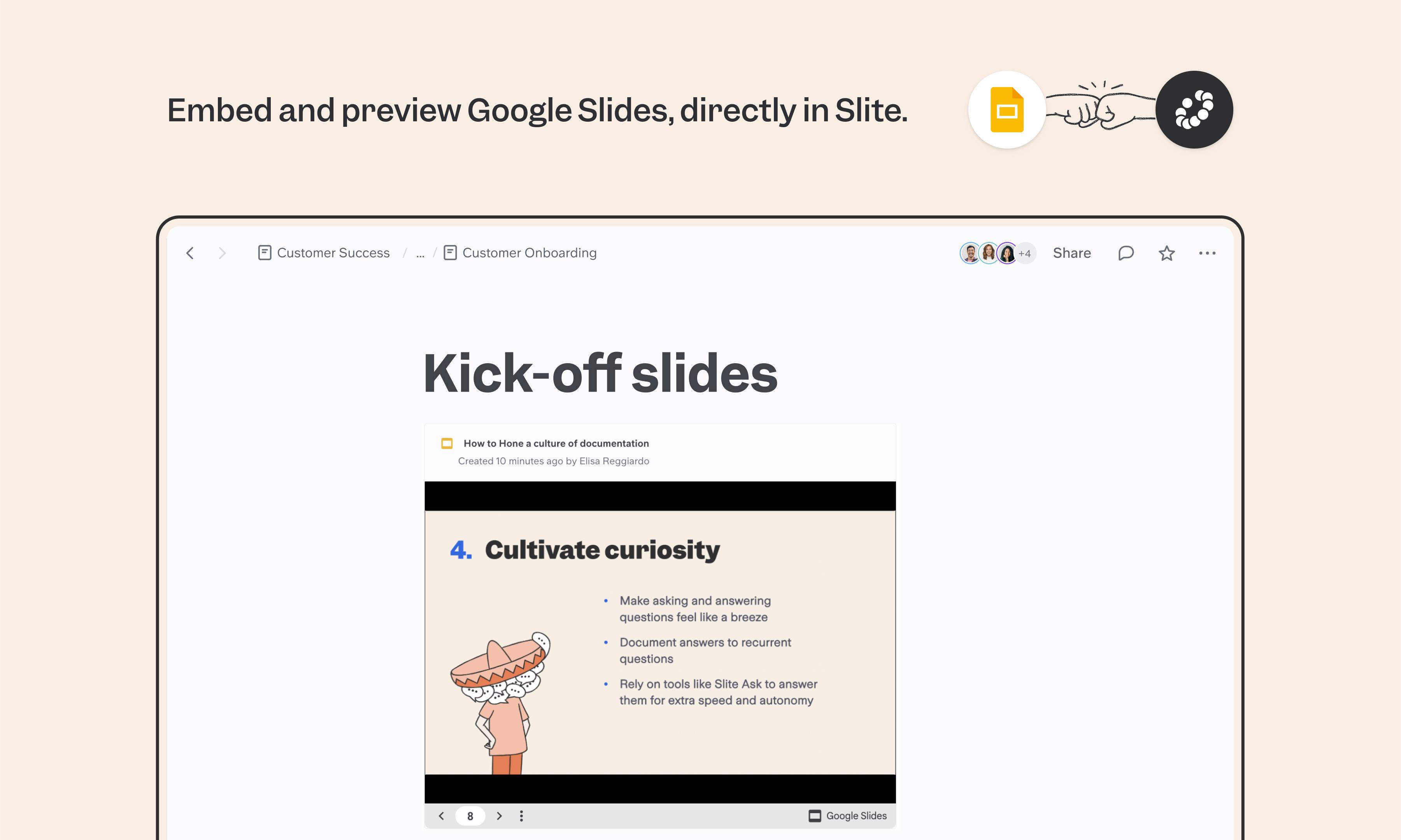
Google Slides is the default for kickoff decks, all-hands presentations, and async updates. The Slite integration embeds those decks directly in your docs, so launch plans, project briefs, and team updates include the presentation alongside the written context — no separate link, no app-switching.
How it works
Type /embed in your Slite doc, or paste your Google Slides share URL directly. The presentation appears as a live preview that reflects the latest version of the deck. Make sure your Google Slides sharing settings allow access for everyone you want to view the embed.
Need help setting up your Google Slides integration with Slite? Contact support .
🔒 We take privacy seriously. Slite is SOC 2 Type II certified, GDPR and HIPAA compliant, with all data encrypted in transit and at rest on EU-based infrastructure. Your data is never used to train, nor retained by, third-party LLMs. See our security page for more information.
Built by
Slite
Categories
Media & Design
Marketing