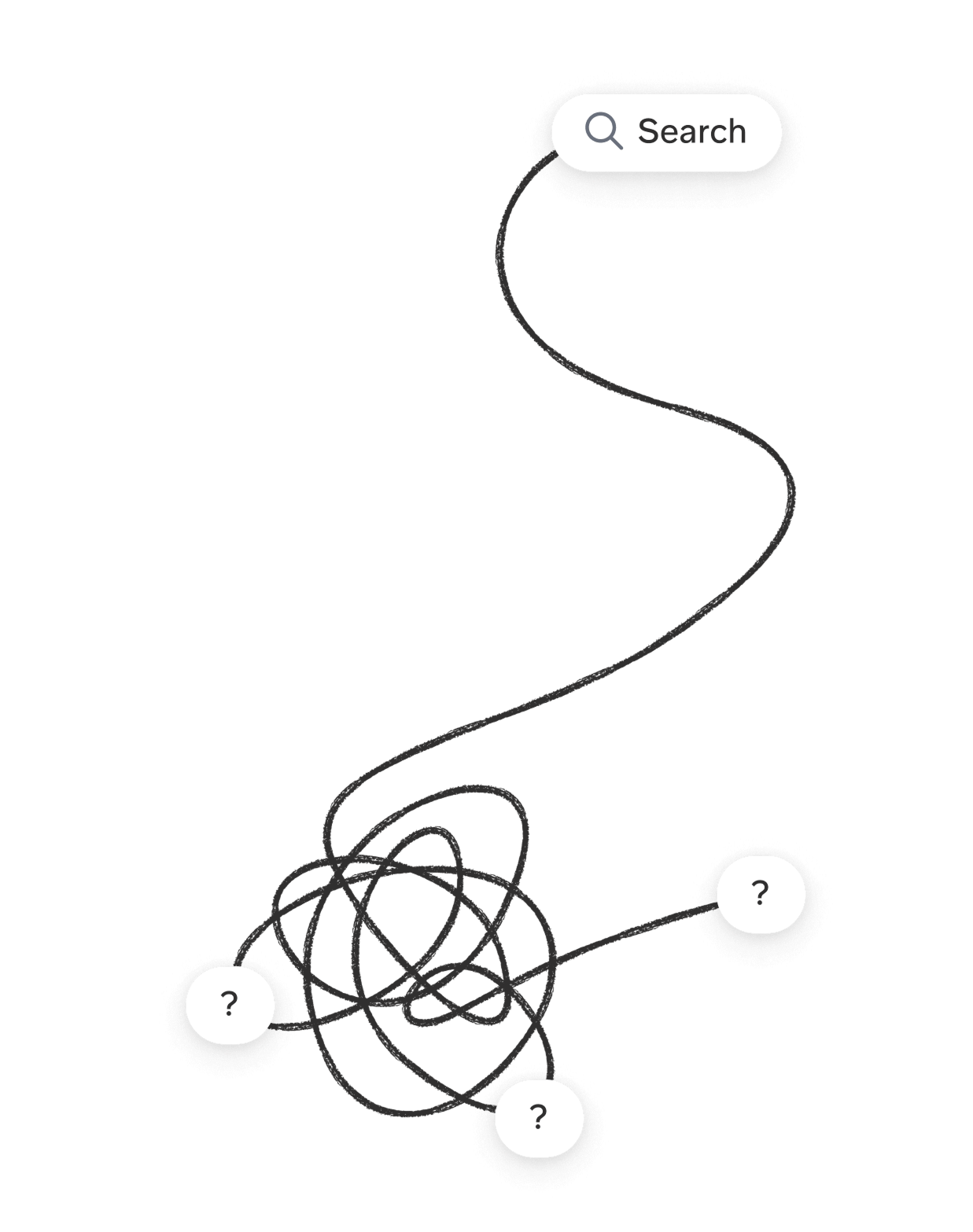
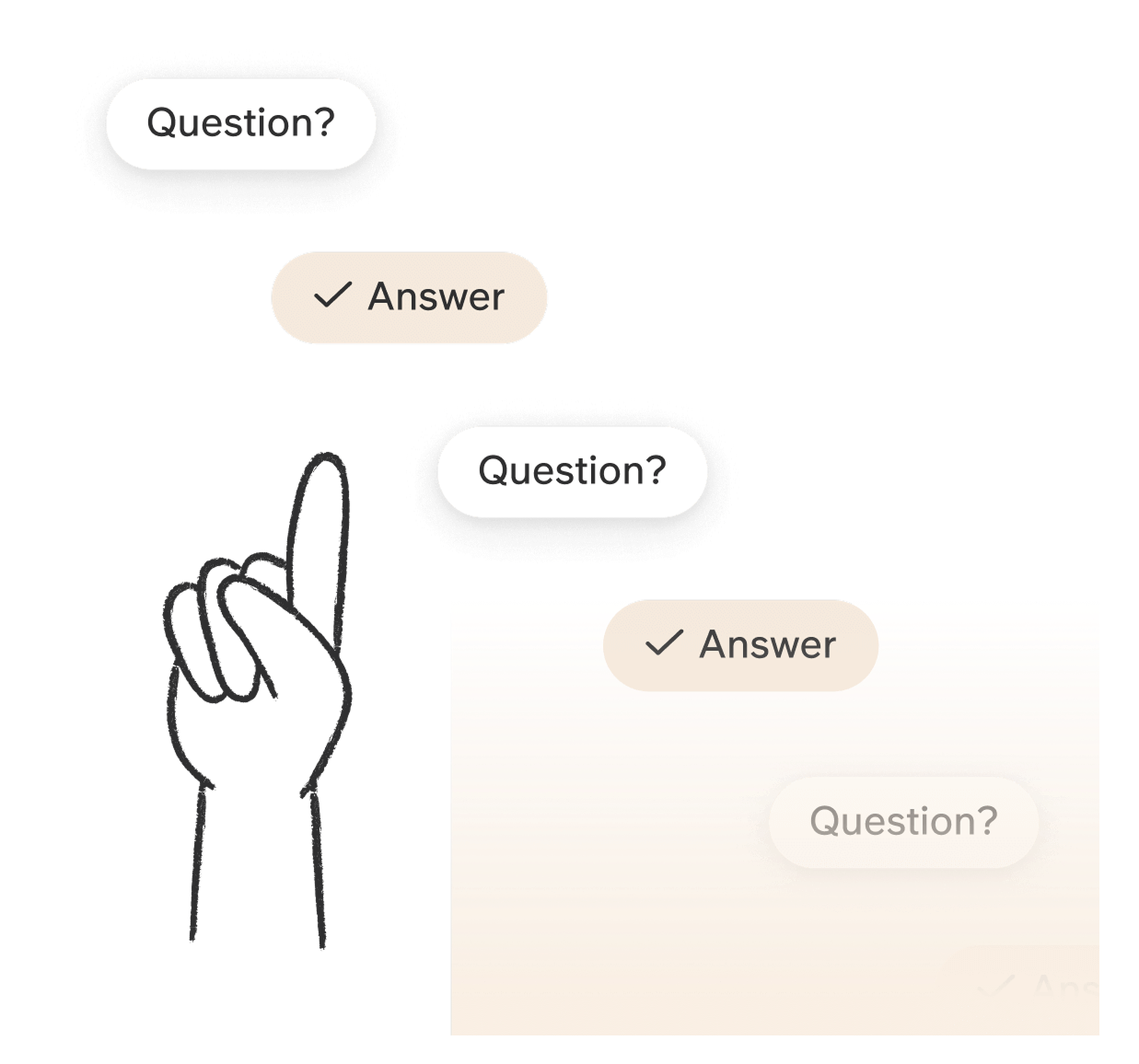
Stop searching,
start asking.
Answers from all your sources,
right where you need them.
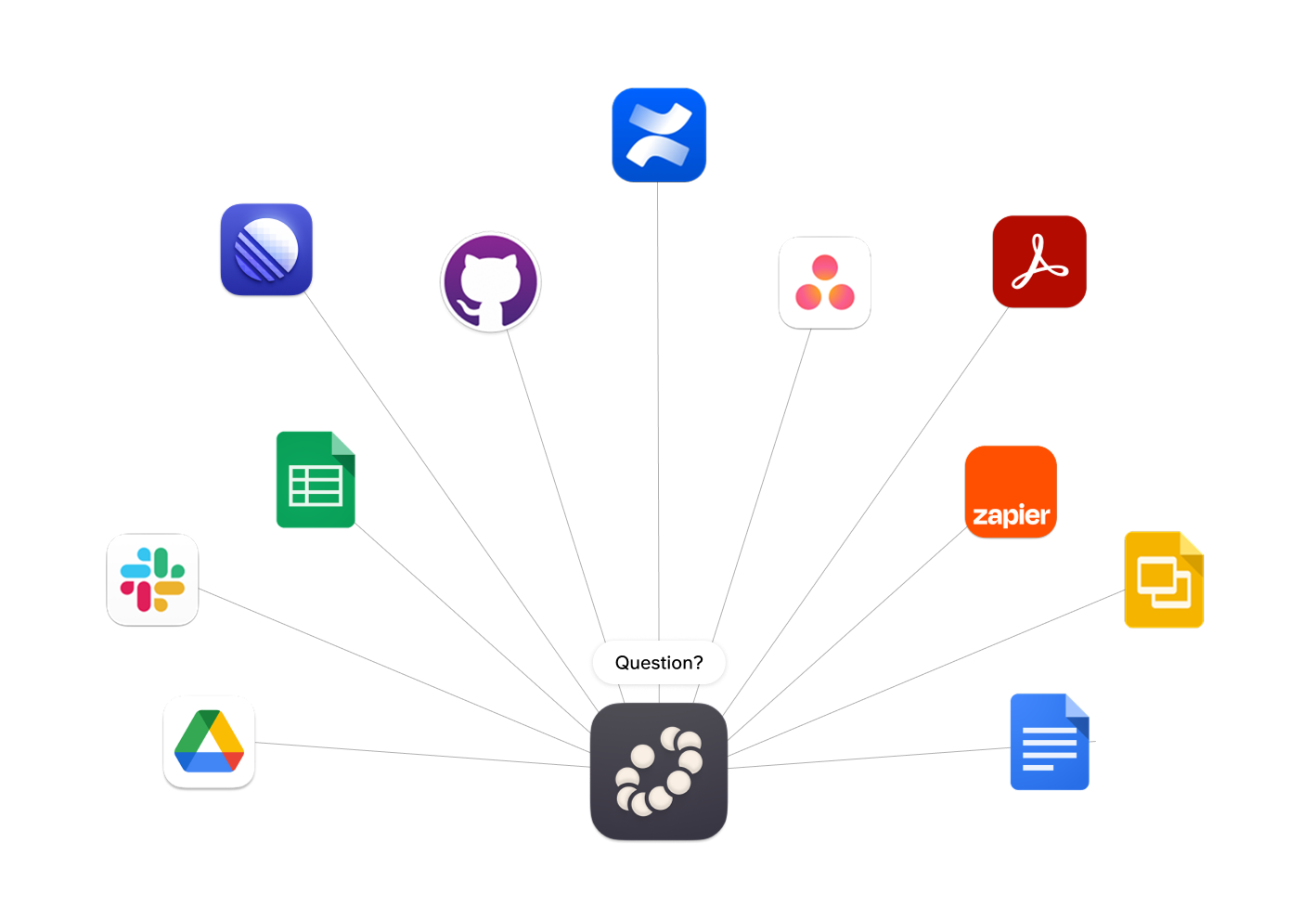
Connect all your apps.
Slite connects your knowledge base with the external sources of your choice so you can find any answer you know is there somewhere - faster.
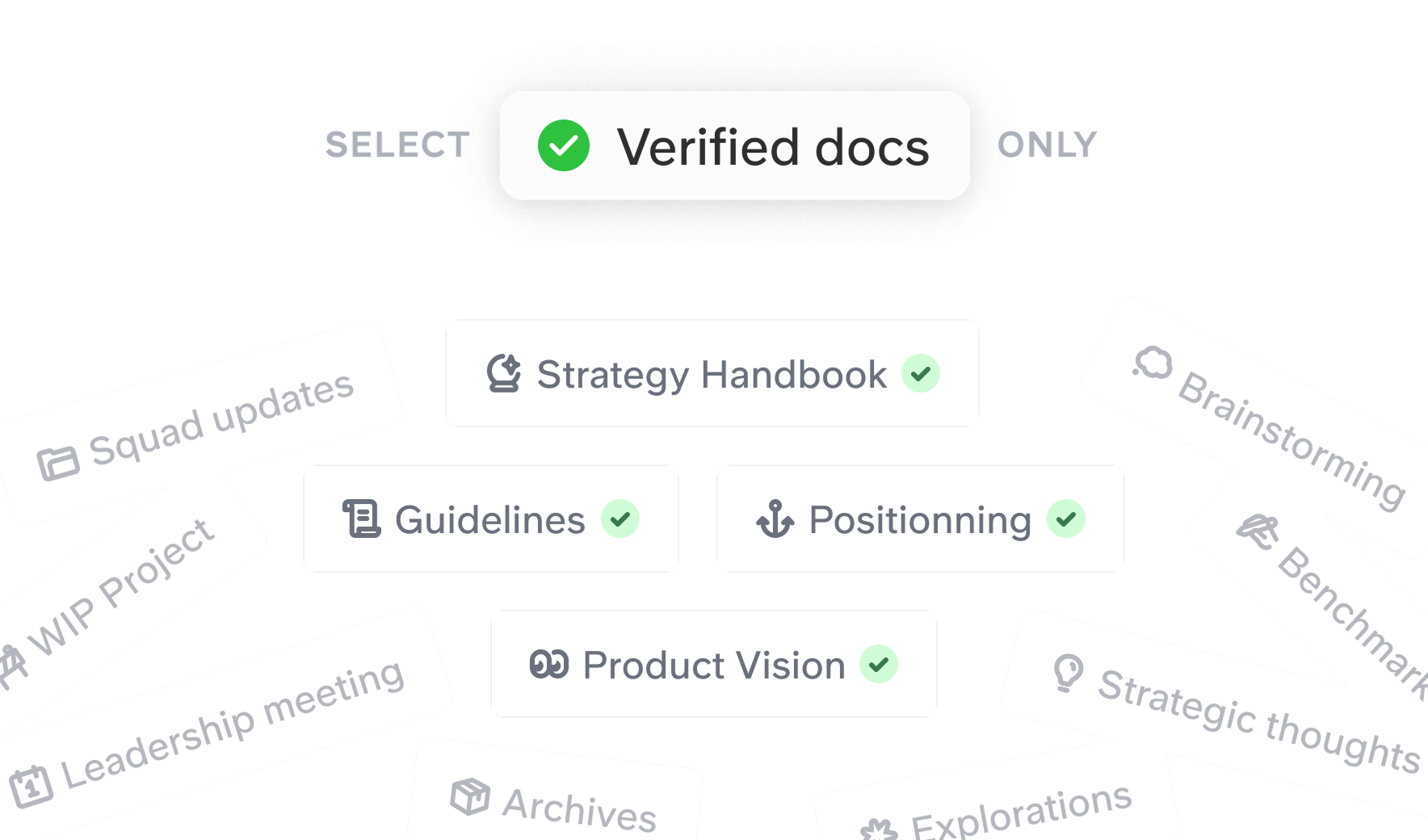
Trust without second-guessing.
Filter the sources to make sure that you can trust the answers with verified docs.
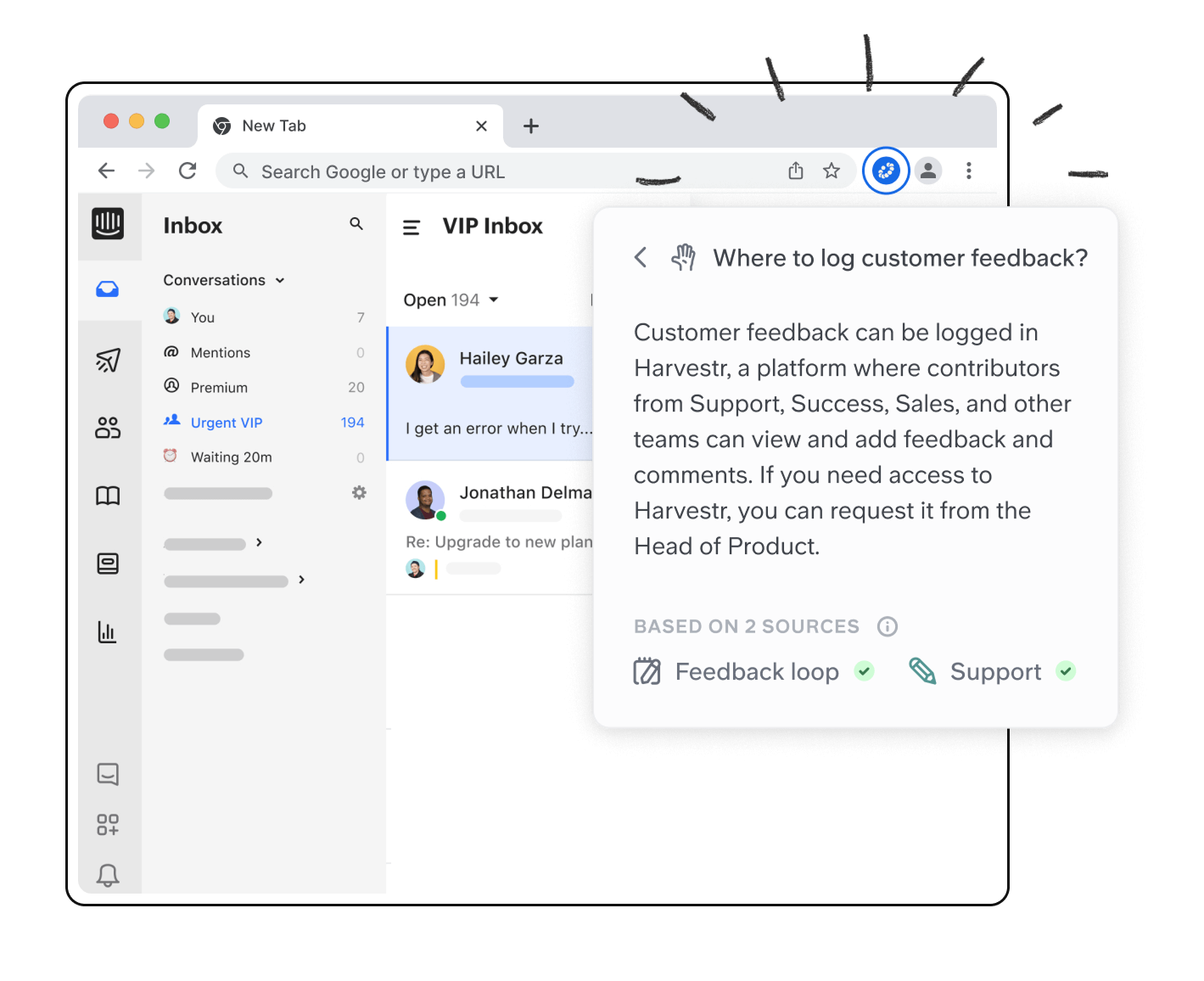
Stay in your workflow.
Use Chrome extension to get all the answers you need without leaving your browser.
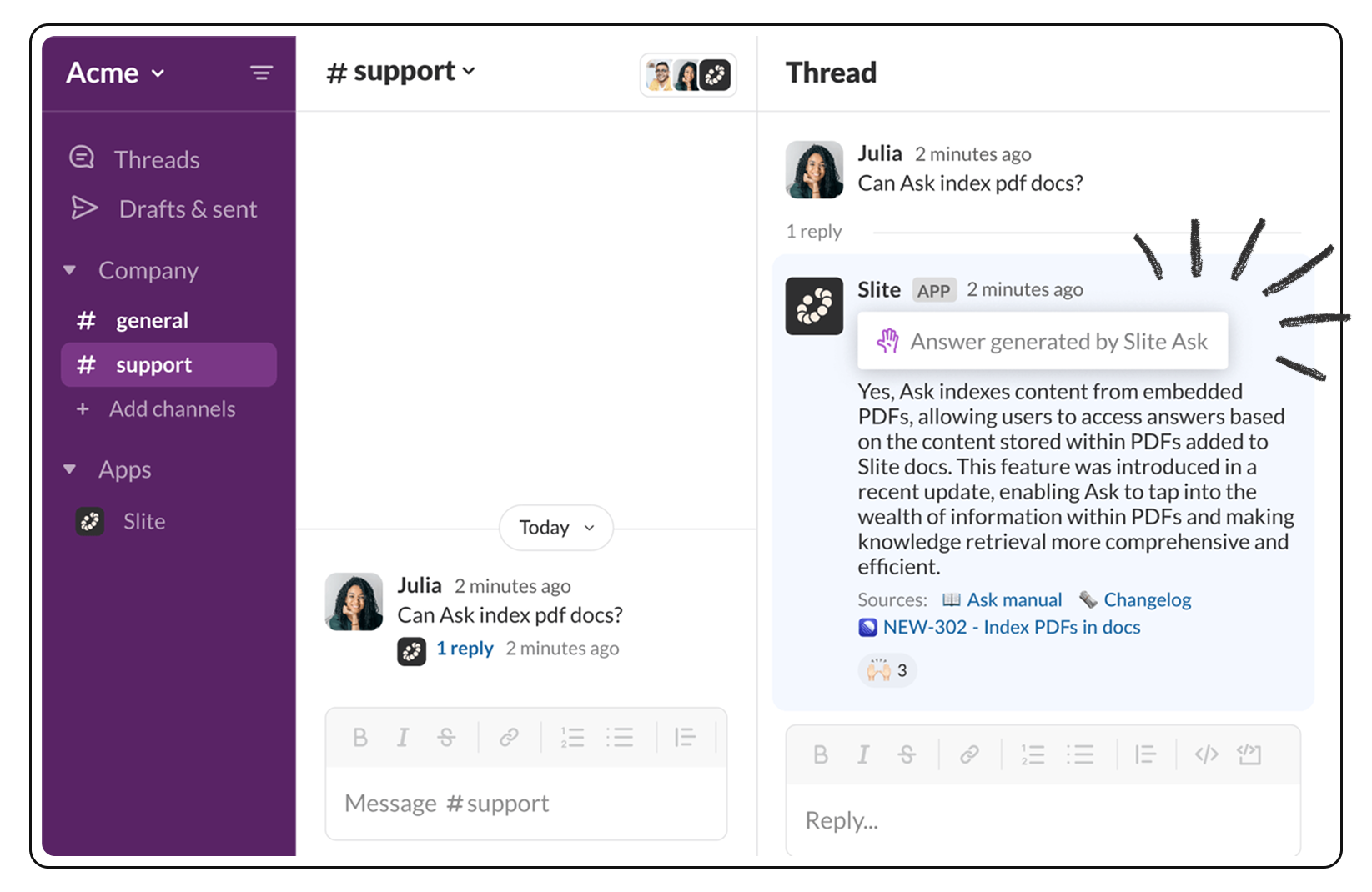
No more unanswered questions in Slack.
Get all the answers right where you work, in an instant. Slite listens to the conversations in your Slack channels and automatically answers them straightaway, even without being triggered.
Get instant answers to any questions.
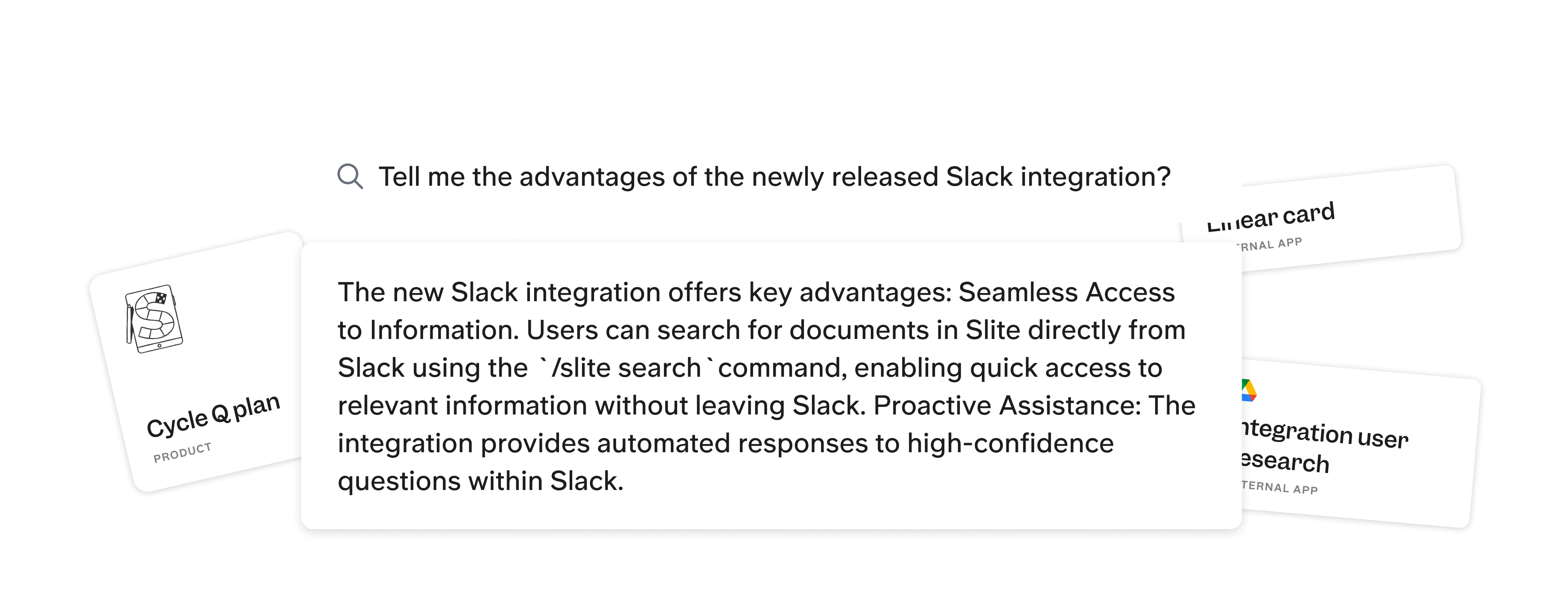
“No result matches your search” is not an answer. Yet, the info lives somewhere in your knowledge base. Our AI-powered assistant will surface the info and cross-check your sources to give the accurate answer, in an instant.
See Ask in action
on Slite Help Center.
Want a taste of the power of Ask? Here is our Help Center in Slite —take some hints and ask a question on how to use Slite.
Trusted by teams like yours
75% faster
team onboarding
This is a challenge we always have - finding the right document and where the data is stored. Even more for new employees that are getting on board. It's crazy how this feature fits into our day-to-day life!

Simo Lehmandez
Founder at Folk
It's a superpower search. If you don't remember, you can just try to type what you have in mind, see what you get and at least you get the subsets of the documents.

Alessandro D'Angelo
Idea Informatica
3x more
productive team meeting
With instant access to our knowledge base, we no longer waste time searching for information. Instead of answering repetitive questions in Slack, our team goes straight to the source with Slite's Ask.

Laura Dutilh
Chief of Staff at Tymeshift
The feature set is all about simplicity and relaying important information to team members. Even the search (Ask) functionality summarizes all of the information across numerous documents into one concise answer, referencing every relevant document for you. Slite is actually about getting work done and doing collaborative work seamlessly.

Alex Bass
Founder at Efficient App
90% fewer
repeated questions


Details that matter.
Secured and trusted
We get it – your team knowledge is your biggest asset so we take it very seriously. That’s why Ask works only with your data, securely separated from everyone else’s.
Based on your access only
Just like a regular search, Ask accesses only those docs you can view, filtering team workspace content by your permissions.
Identifies the gap
Ask not only answers questions but also highlights knowledge gaps. If an answer seems wrong or outdated, check the sources to update any missing information.
Easy to digest
For better answers, add details and request formats like bullet points or newbie explanations to tailor and simplify information.
Gives you hints
We've got you covered even when you're not sure how to start asking your question. Type a keyword, and we'll suggest questions based on your team's content.
Speaks your language
Ask supports multiple languages – ask in any, and it will respond and translate relevant content accordingly.
